Download Plexii for Mac and Windows.
Free forever for personal use. Local-first, with no third-party analytics. Mac 4.3.54, Windows 4.3.54.
Featured on





Mac
Apple Silicon (M-series) and Intel, in one universal installer. macOS 11 Big Sur or later.
Download for Mac (.dmg)Windows on Arm
Snapdragon and other Arm PCs. Windows 11 on Arm runs the standard installer through its built-in x64 emulation. Windows 10 on Arm isn't supported.
Download for Windows on Arm (.exe)A native Arm build is on the way.Linux is in the pipeline. Watch the release notes for when it ships.

PlexiiLite for Mac Free
Also from the makers of Plexii: a visual file explorer for your Mac. Your folders become rooms and your files become tiles that show what is in them.
PlexiiLite is a Mac app. Open this page on your Mac to download it.
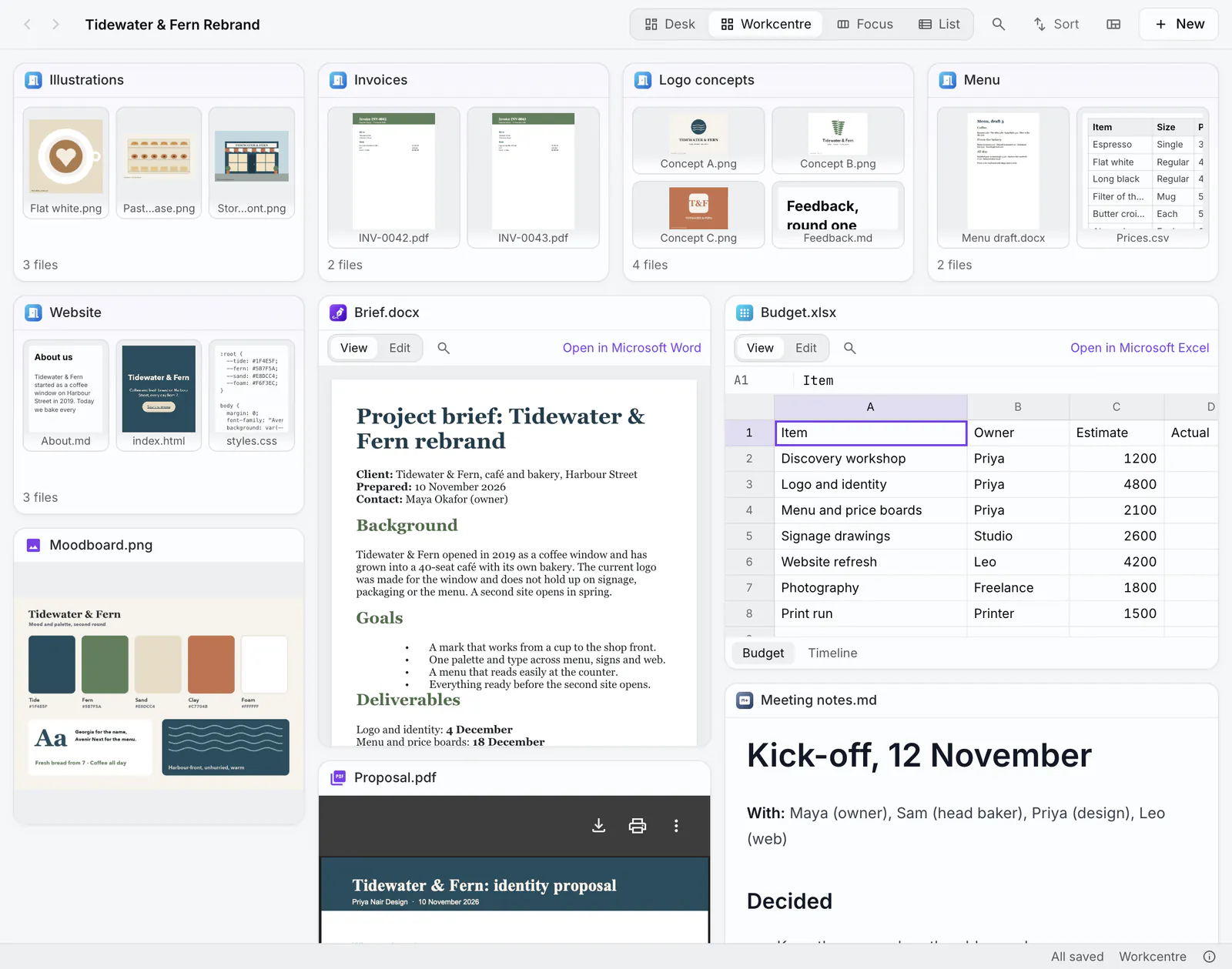
Installing on a Mac
- Open the .dmg. It shows PlexiiDesk next to your Applications folder.
- Drag it to Applications, then eject the disk image.
- Launch it. The build is signed and notarised by Apple, so it opens without a warning.
- Grant Accessibility if you want SpeedDeck to send keystrokes to other apps. You can skip this.
- Sign in or create an account. PlexiiDesk asks for your account the first time you open it. A new account gets an email with a 6-digit code: enter it, or click the link in the email, to confirm your address. Plexii is free to download. See the pricing page for what an account includes.
Installing on Windows
- Run the .exe.
- If SmartScreen appears, choose More info, then Run anyway.
- Launch Plexii and start your first desk.
New to it? Getting started takes about five minutes.
Want a walkthrough first? Join a live session.