Accessibility-conscious user
Make it readable, your way
Small text and motion make long sessions tiring.
How it feels: StrainWhat you want instead: Comfortable
The problem
Many tools are hard on the eyes and impossible with a keyboard alone.
How Plexii handles it
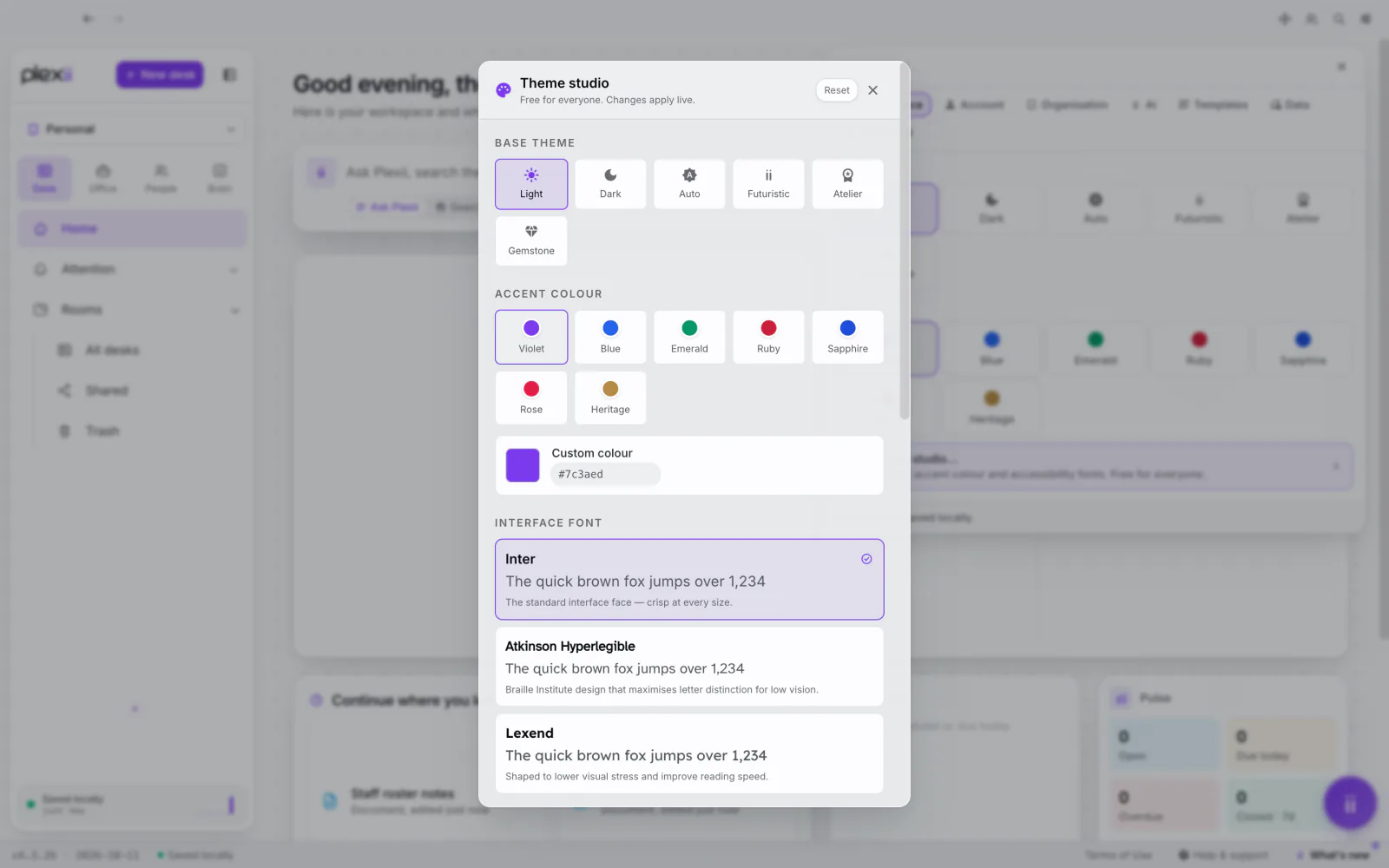
Theme studio offers a more readable font, larger text and compact or roomy spacing; desk accessibility settings give less motion and keyboard or screen-reader access to every item.
In short: Bigger text, a clearer font, less motion, and every item reachable from the keyboard. Set it up the way your eyes like it.
Step-by-step guides
More moments like this
- Support lead
One right answer, for everyone
The same customer question answered differently by four agents.
- Developer connecting their own AI tools
Let your tools read your desks
You want your coding assistant to read your project notes without copy-pasting.
- Person whose work runs on repeat triggers
Do it once. Let the flow repeat it.
Every new form submission means creating a desk and sending an email by hand.