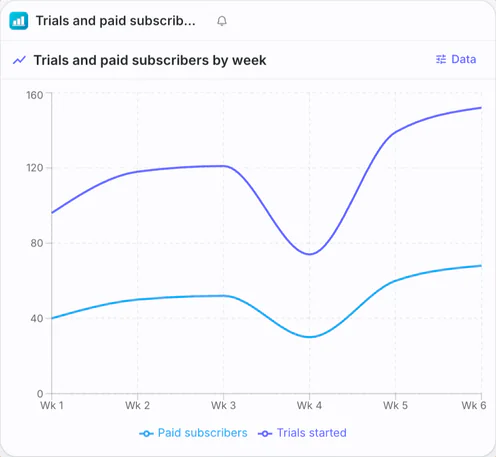
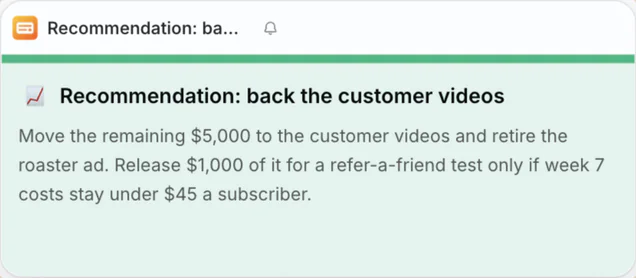
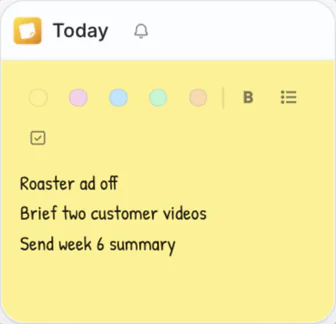
Twelve tabs. Four apps. One task.
Every task gets its own desk.
Docs, sheets, slides, websites, notes and an AI that knows your files, side by side on one canvas for each piece of work. Close a desk and the clutter goes. Open it tomorrow and everything is where you left it.
Free forever for personal use, on Mac and Windows. Prefer a guided tour? Join a live session or book a demo.
Your first desk
Make a desk in six steps.
Follow one desk from a new task to a desk that remembers. Every piece you see is captured from the app.
Step 1
Start a desk for the task.
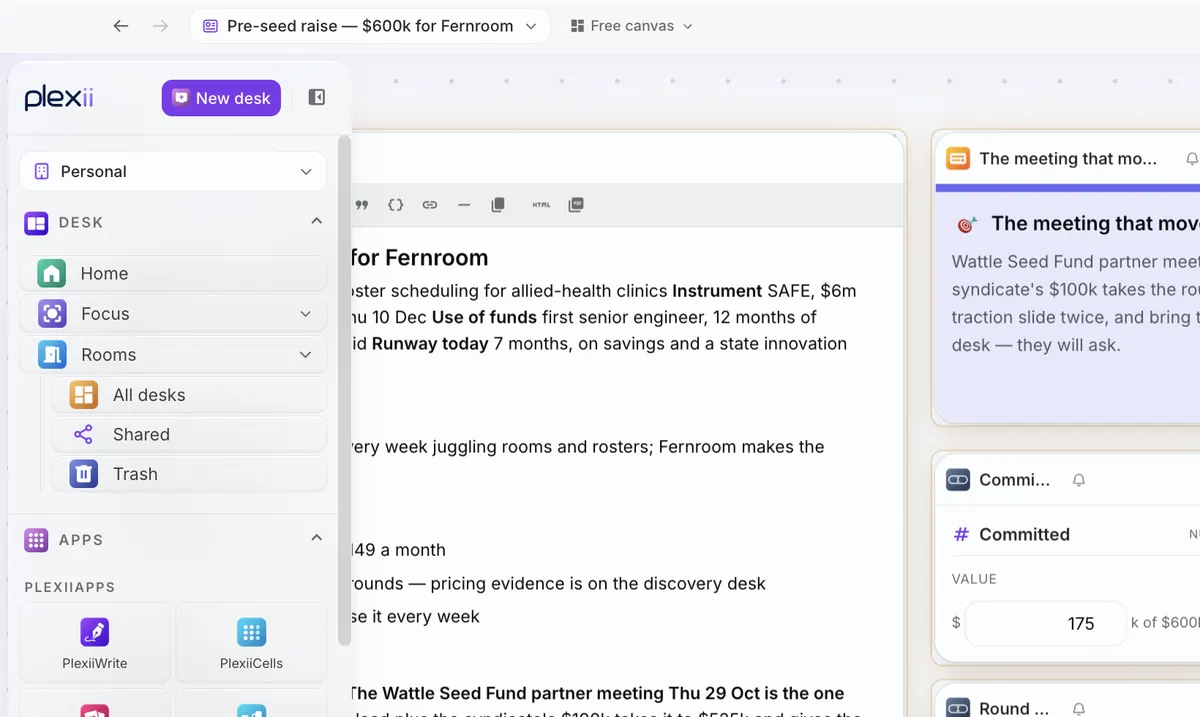
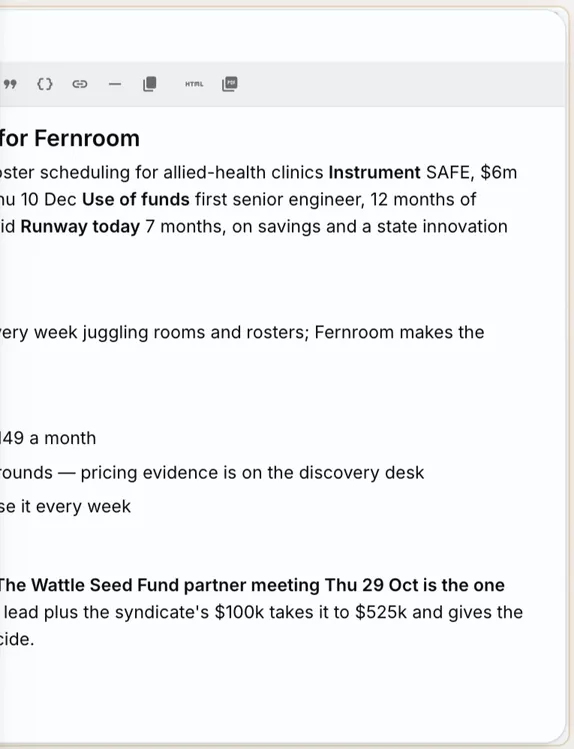
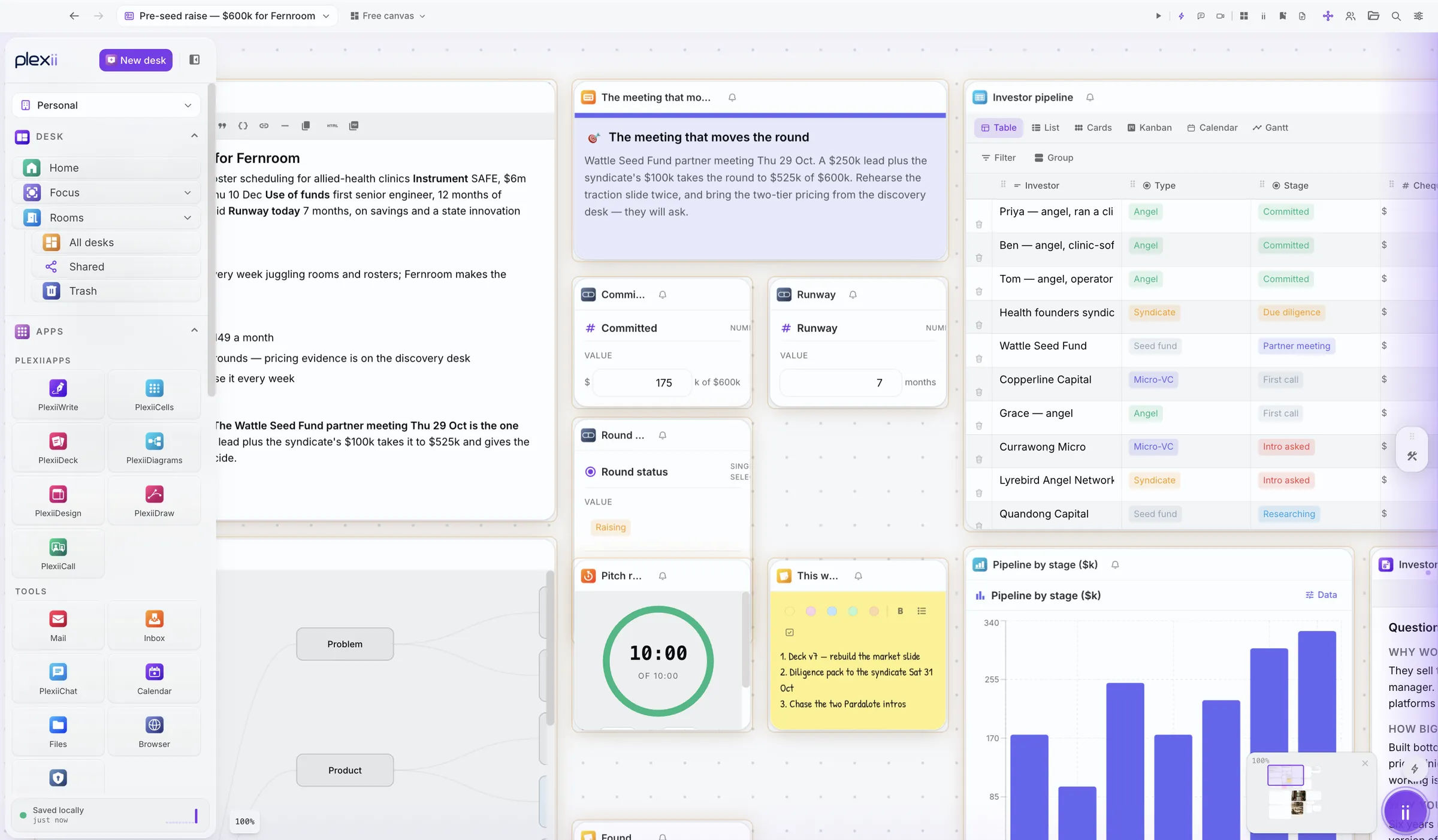
New task, new desk. Give it the name of the work. Here it is a pre-seed raise for Fernroom, an example start-up.
Step 2
Plexii sets it up.
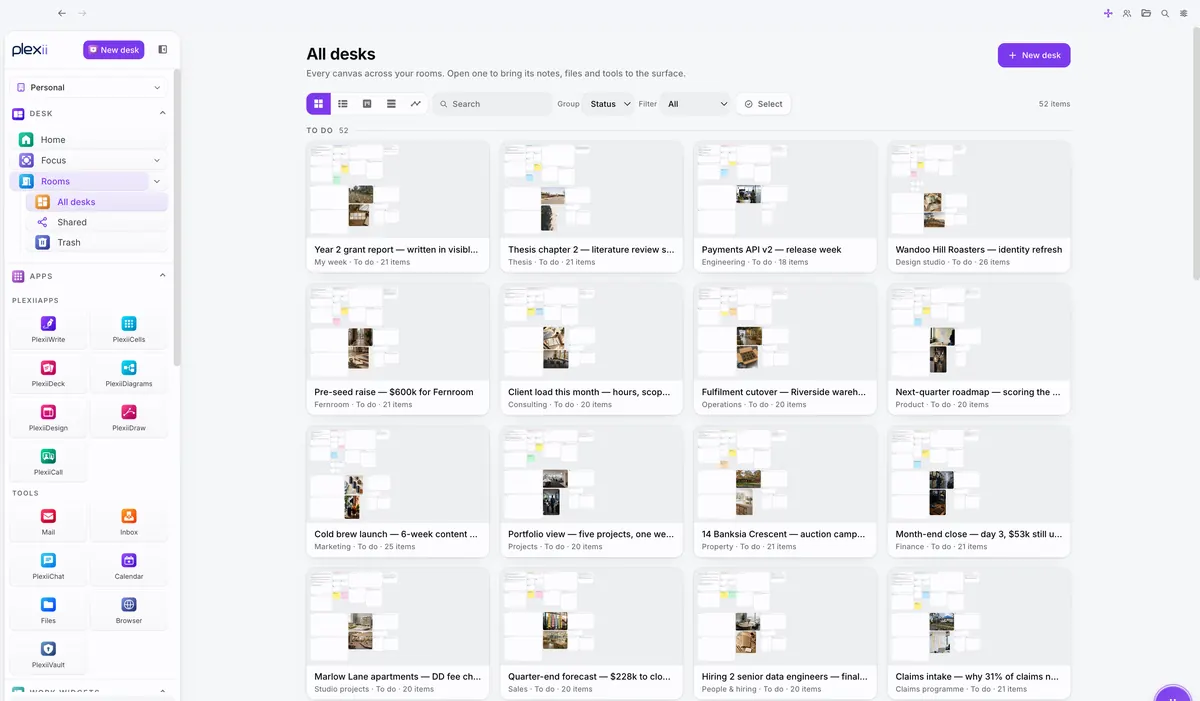
Describe the work in a sentence and Plexii sets the desk up with the right work widgets, docs and pages.
Step 3
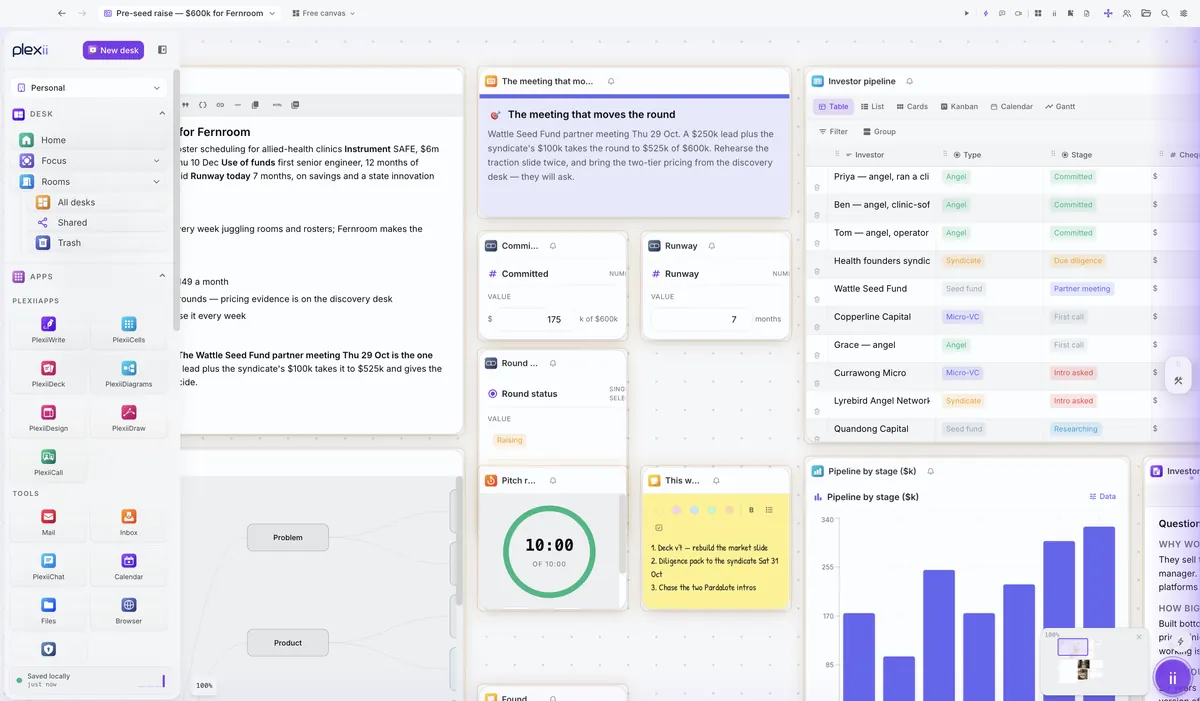
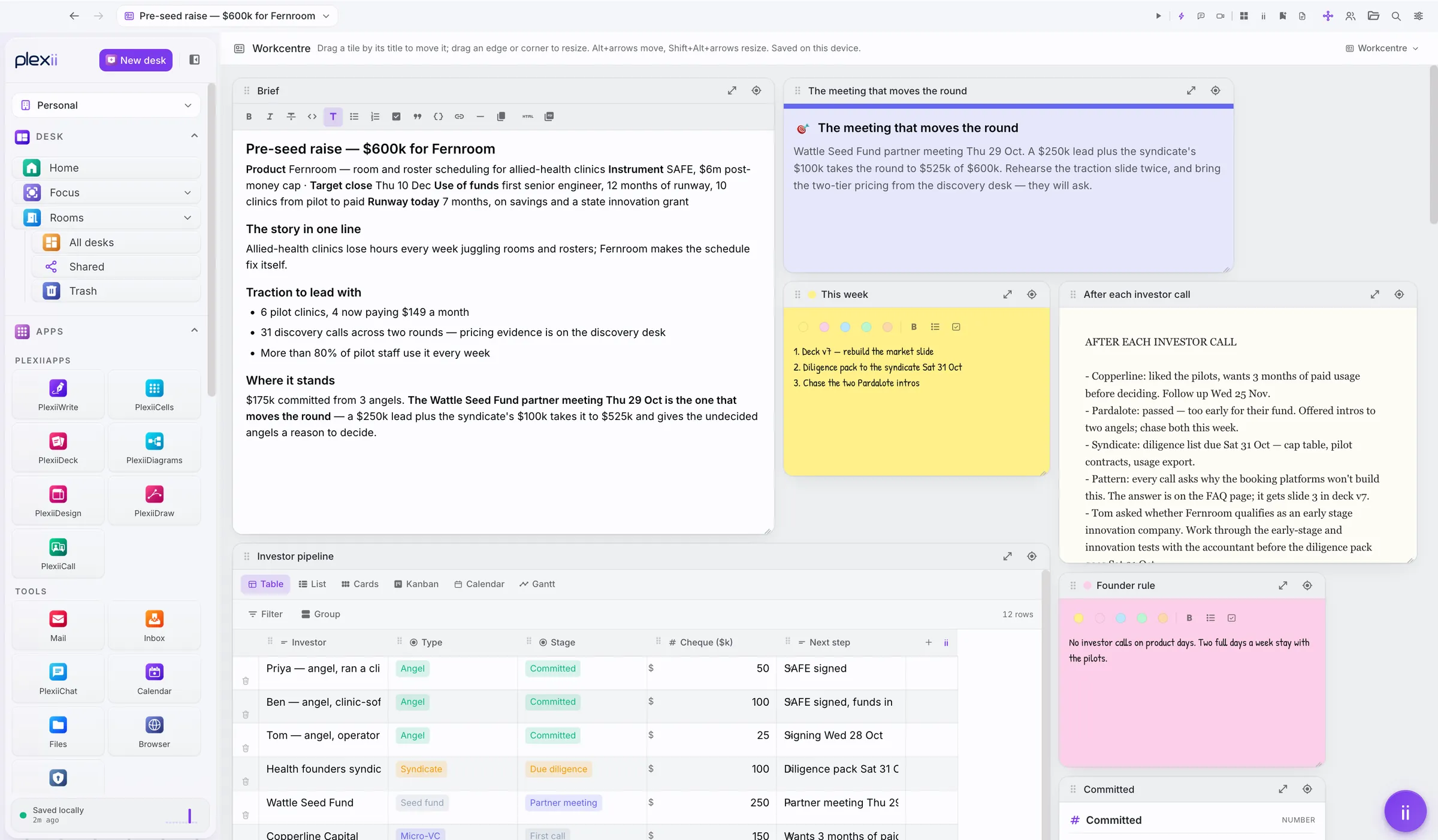
Everything the work needs, side by side.
One canvas, so nothing hides in another app or a closed tab.
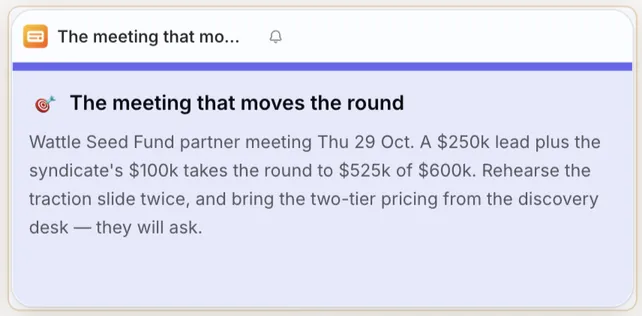
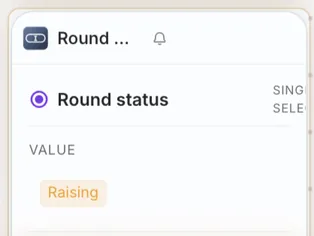
- The brief. The plan, the story and where the round stands.
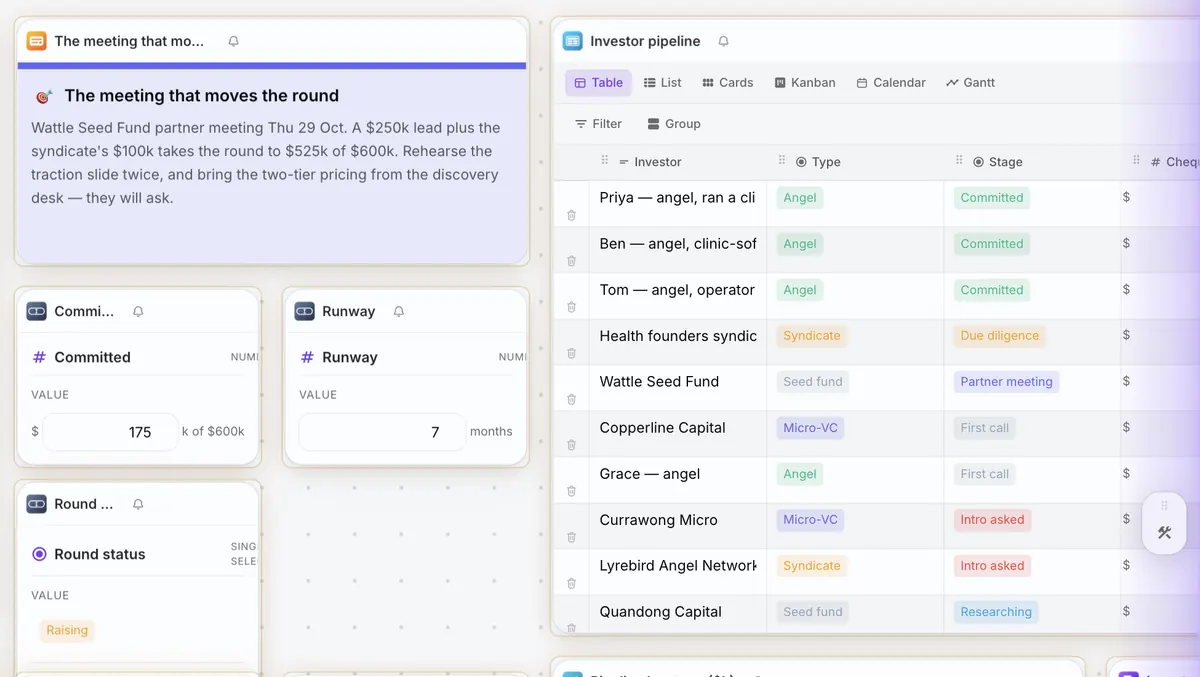
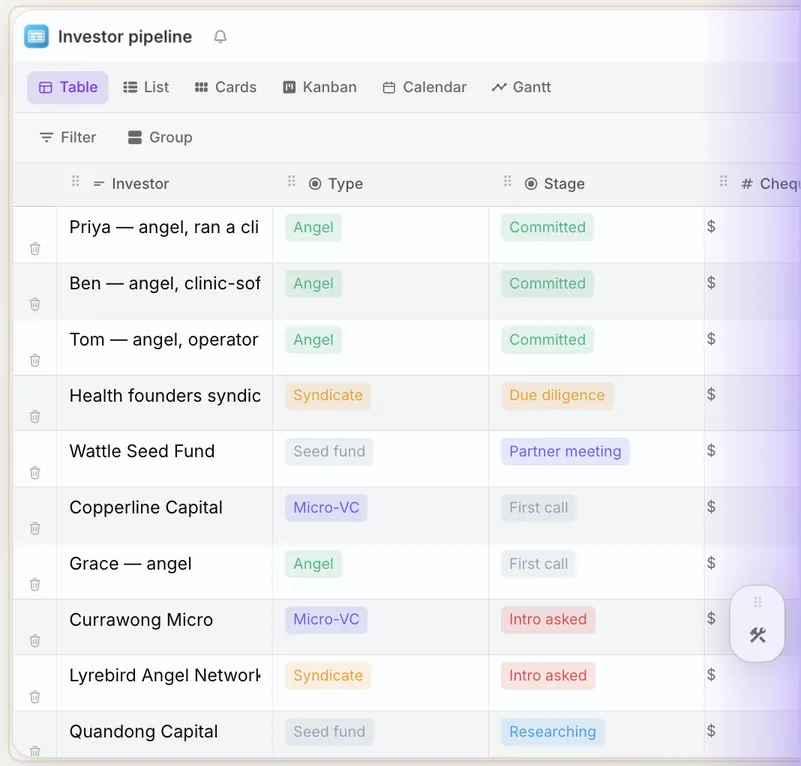
- The investor pipeline. A table you can switch to a list, cards, a kanban, a calendar or a Gantt.
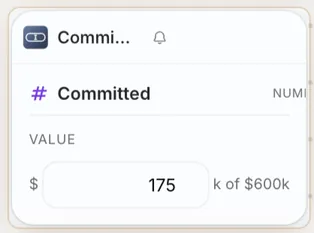
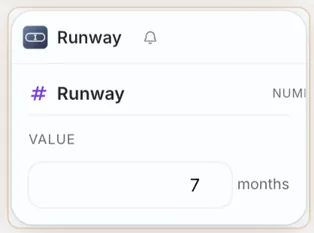
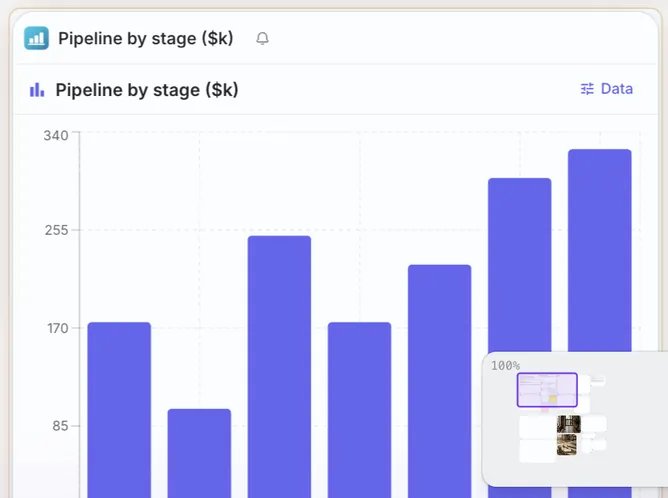
- The numbers. Money committed and months of runway, kept current.
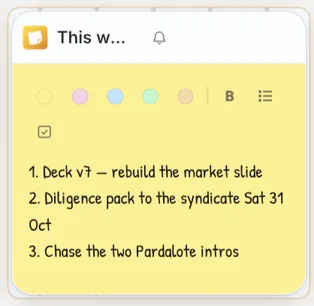
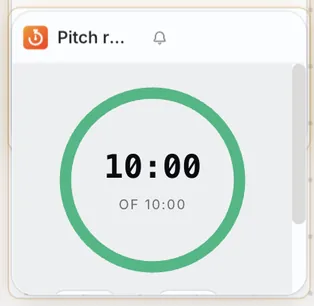
- The week. A to-do note and a timer for the pitch.
Step 4
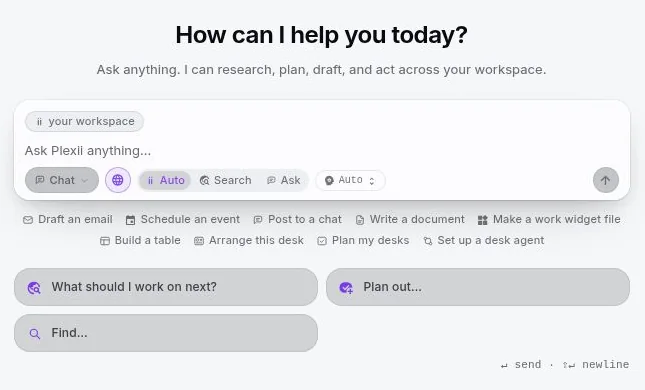
Ask Plexii about it.
Plexii can research, plan, draft and act across your workspace. It answers from your own files, with a citation for every claim, and drafts changes as cards you apply.
Step 5
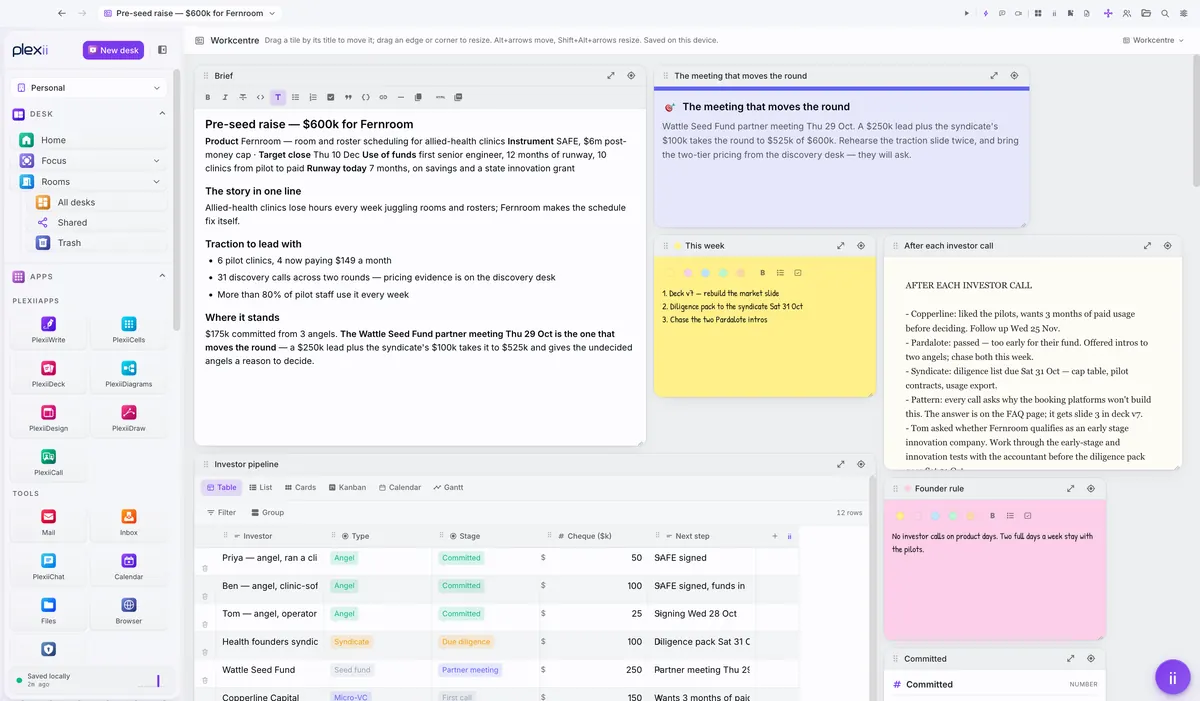
Lay it out your way.
Keep the free canvas, or switch the same desk to Workcentre, columns, a list or a table.
Step 6
Close it. Come back to it.
Close the desk and the clutter goes. Open it tomorrow and everything is where you left it.
Your first desk is ready.
Download Plexii and give your next task its own desk.


- Opens Word, Excel and PowerPoint files
- Works offline, saved on your machine
- AI from Anthropic's Claude
- Free for personal use
Example desks
See Plexii at work.
Four desks from the app, one for each kind of week. Pick one, then click a number to see what each part does.
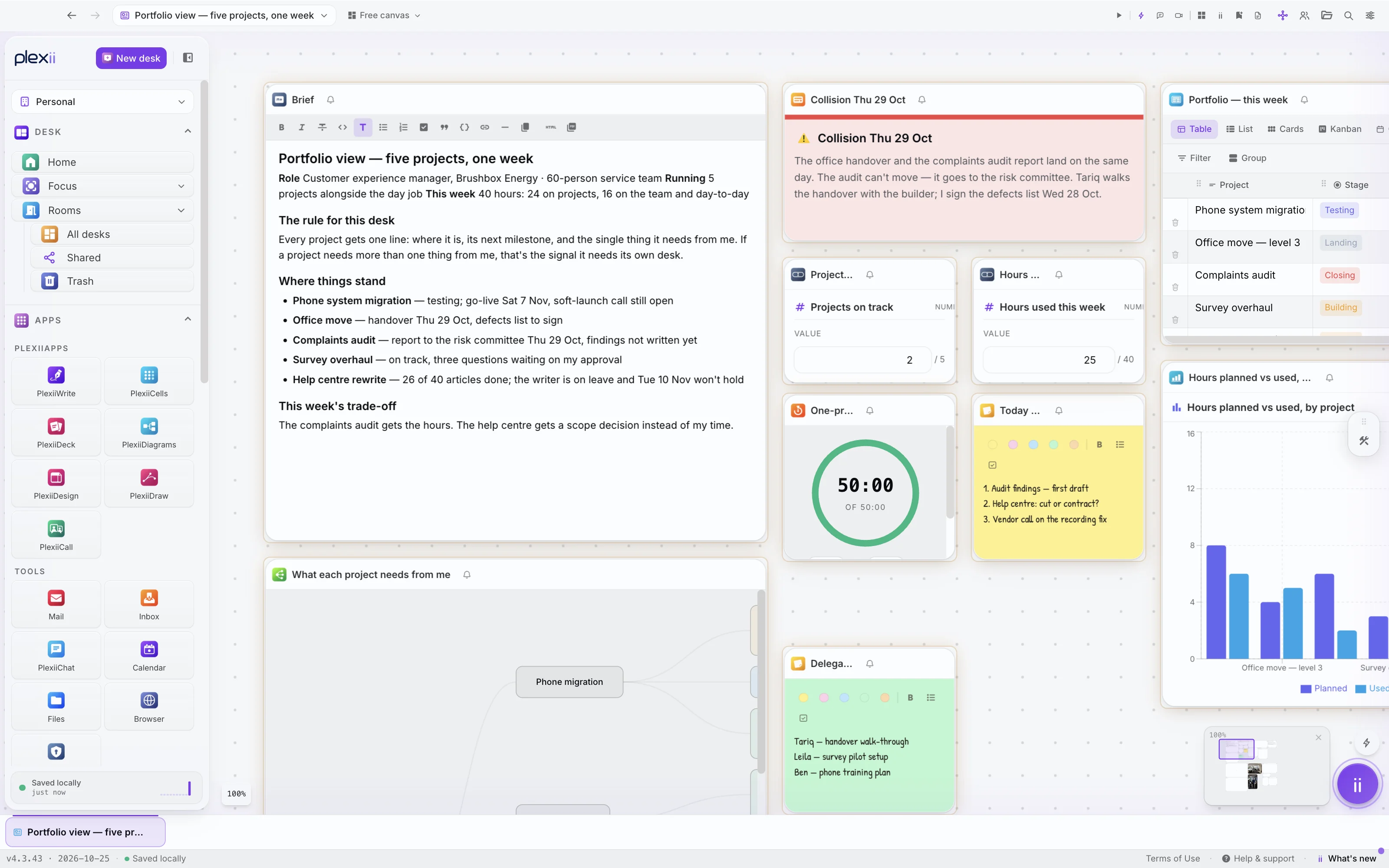
A desk for one week across five projects. Everything that week needs, side by side. Click a number to see what it does.
Why work feels scattered
Twelve tabs. Four apps. One task.
The reference you needed was in the window you shut an hour ago.
Every switch between apps costs you the thread you were holding.
You rebuild the same picture of the work every time you come back to it.
How it works
One task. One desk.
Modern work means running a dozen tools that don't talk to each other. Plexii brings them together around the thing you're actually doing.
Start a desk
New task, new desk. Describe it in a sentence and Plexii sets it up with the right work widgets, docs and pages.
Do the work in one place
Write the doc, build the sheet, open the sites, meet the team and ask Plexii, all on the same canvas.
Come back to it
Close the desk and the clutter goes. Open it tomorrow and everything is where you left it, with a one-line summary of the next step.
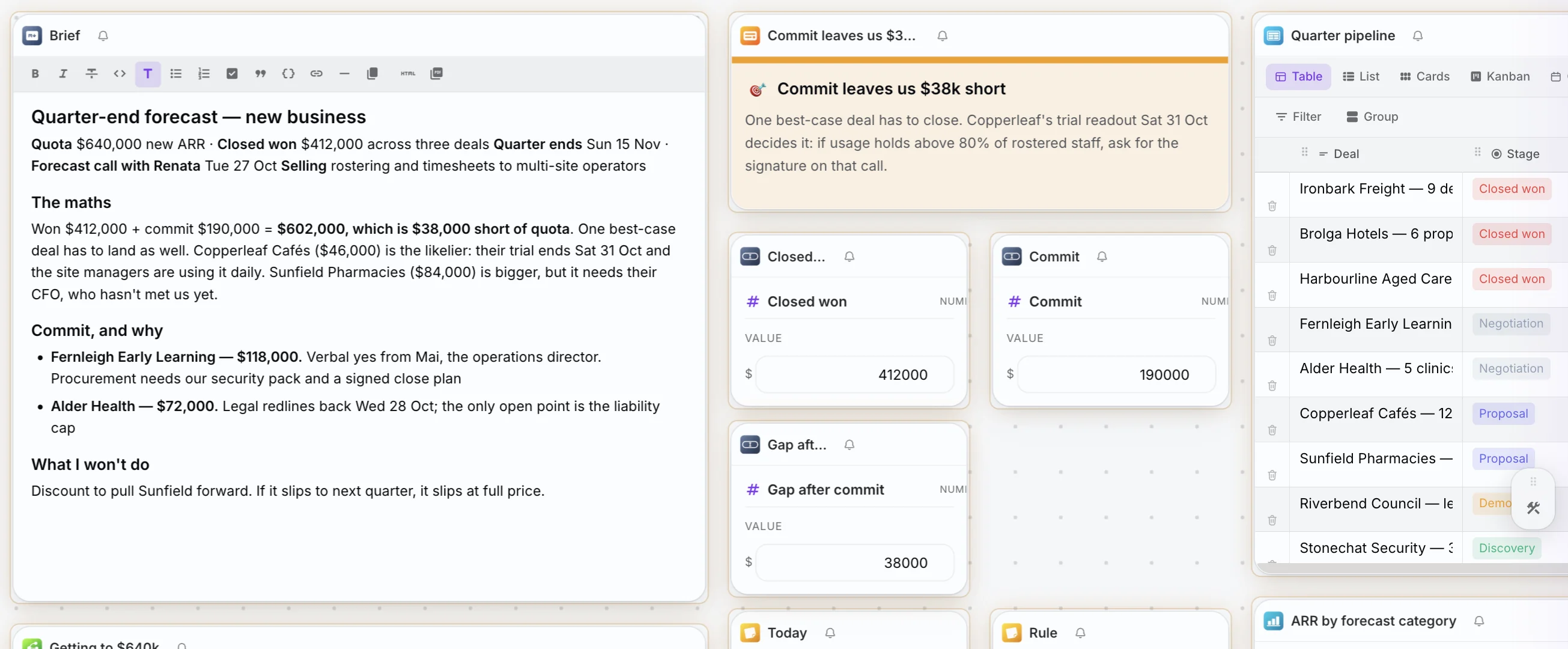
What is on a desk
Everything the work needs, already on the desk.
A full office suite, an assistant that knows your files, and the meetings, mail and people around the work. One app instead of a dozen.
The Desk
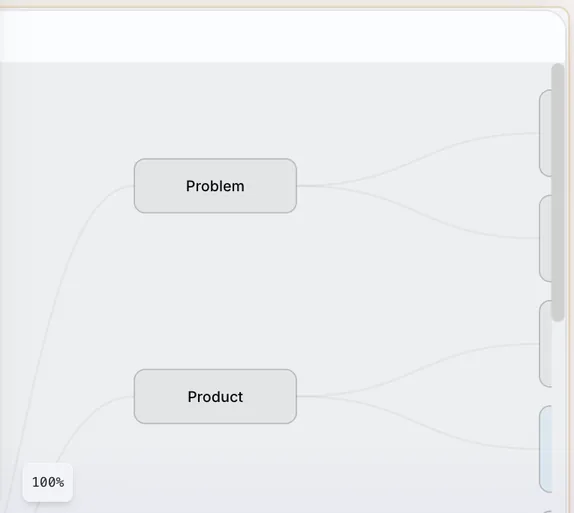
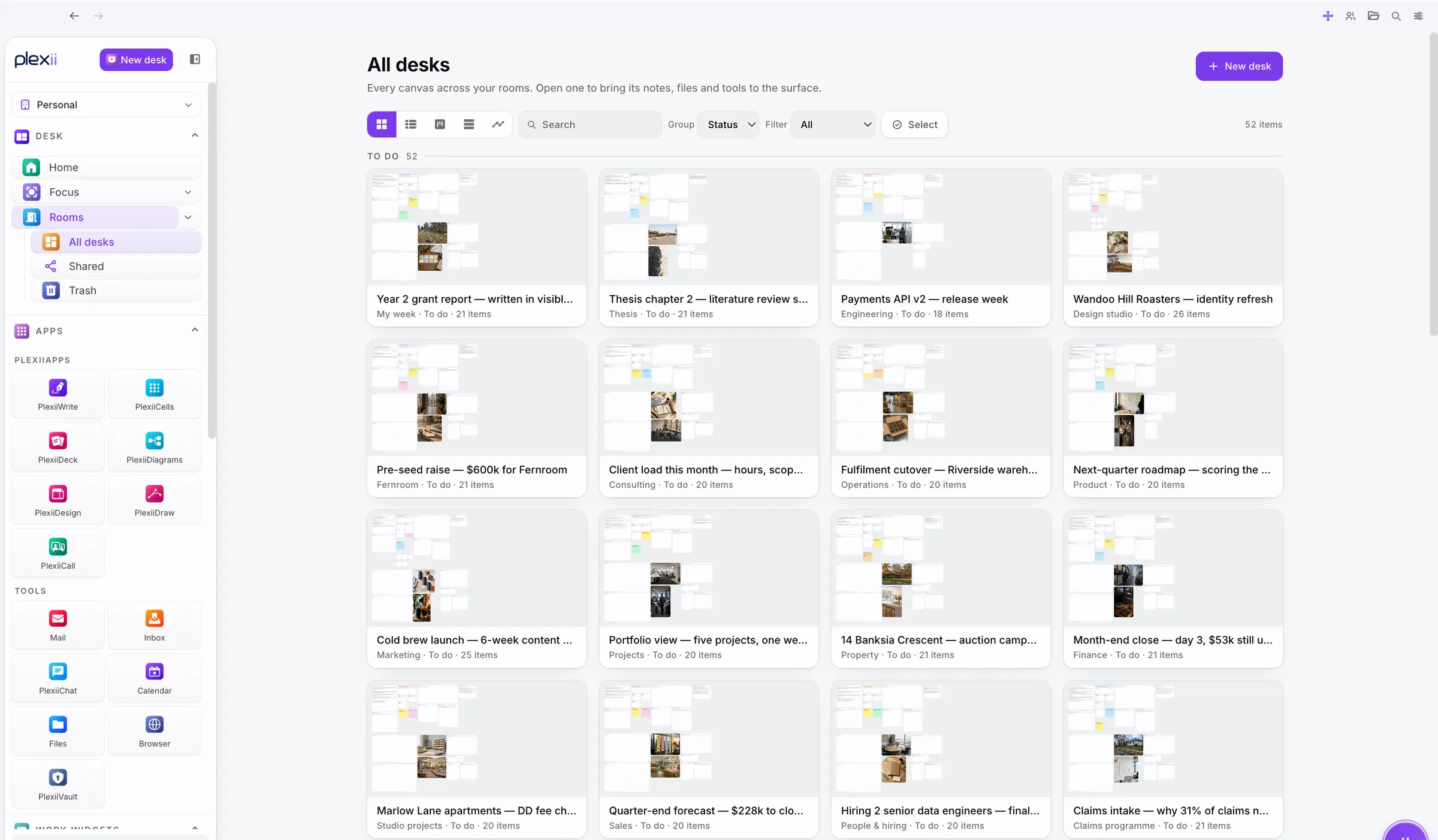
Every task gets its own desk: notes, tables, files, browser windows, timers, diagrams and mind maps, side by side. Desks live in rooms.
The desk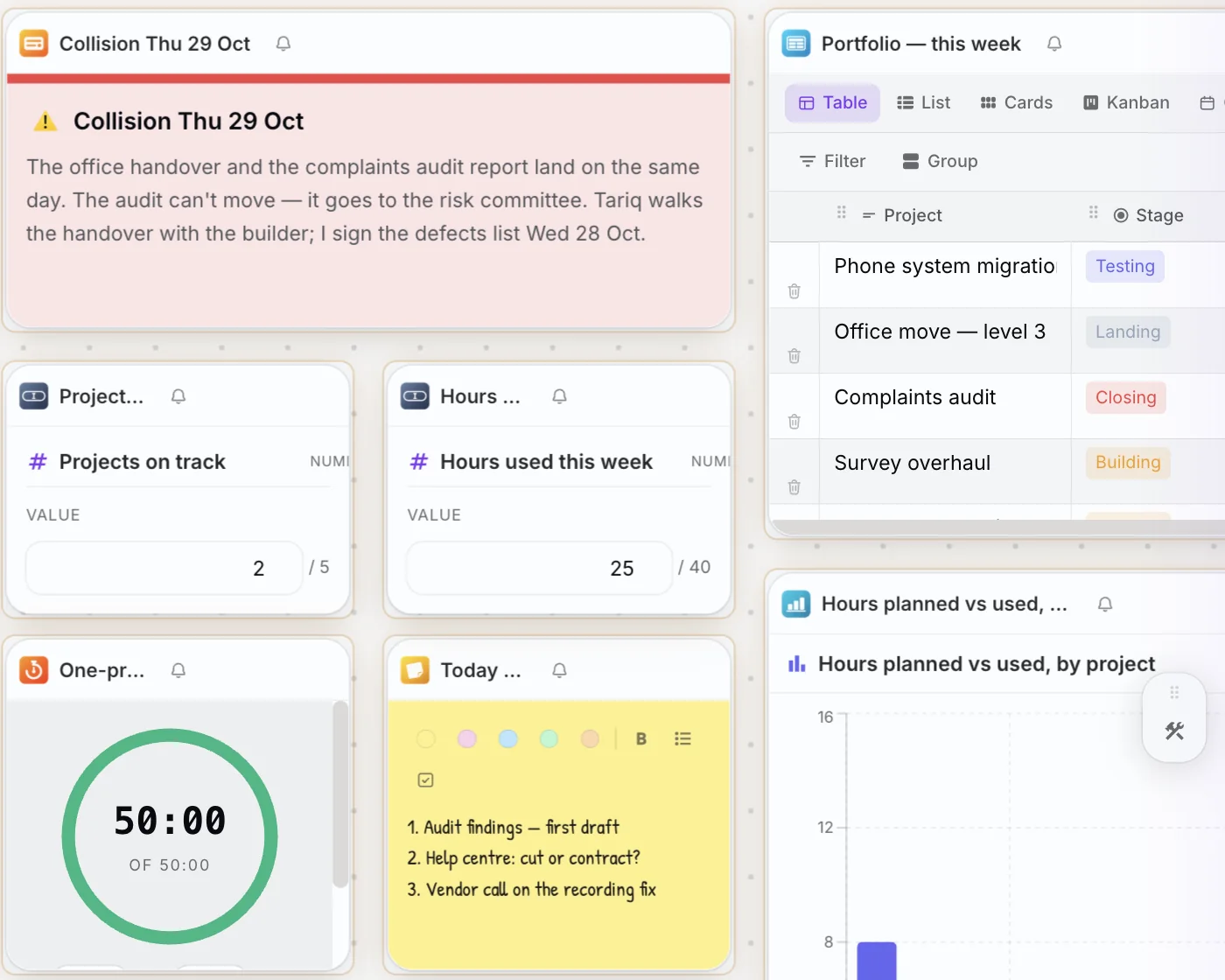
PlexiiOffice
PlexiiWrite, PlexiiCells, PlexiiDeck, PlexiiDraw and PlexiiDesign, with real .docx, .xlsx and .pptx in and out.
The office suite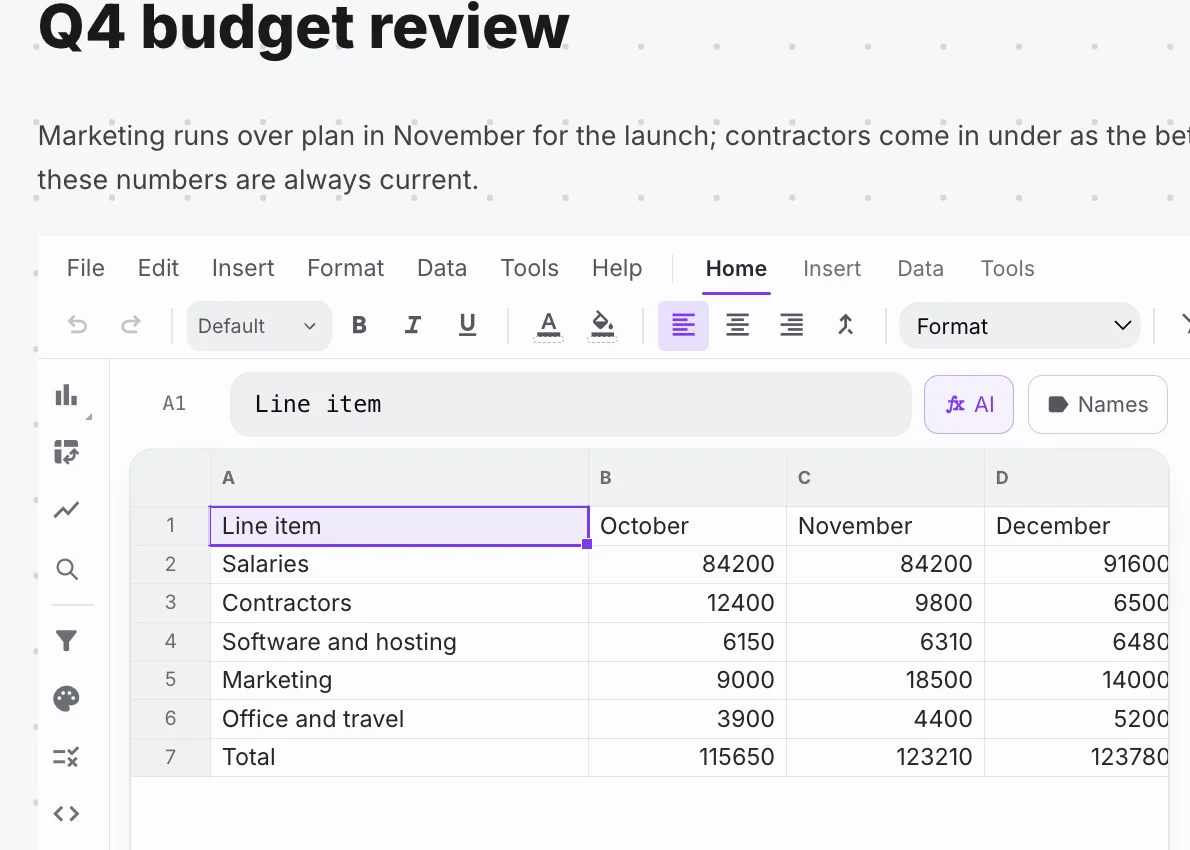
Plexii assistant
Grounded answers with citations, and changes you approve card by card.
The assistant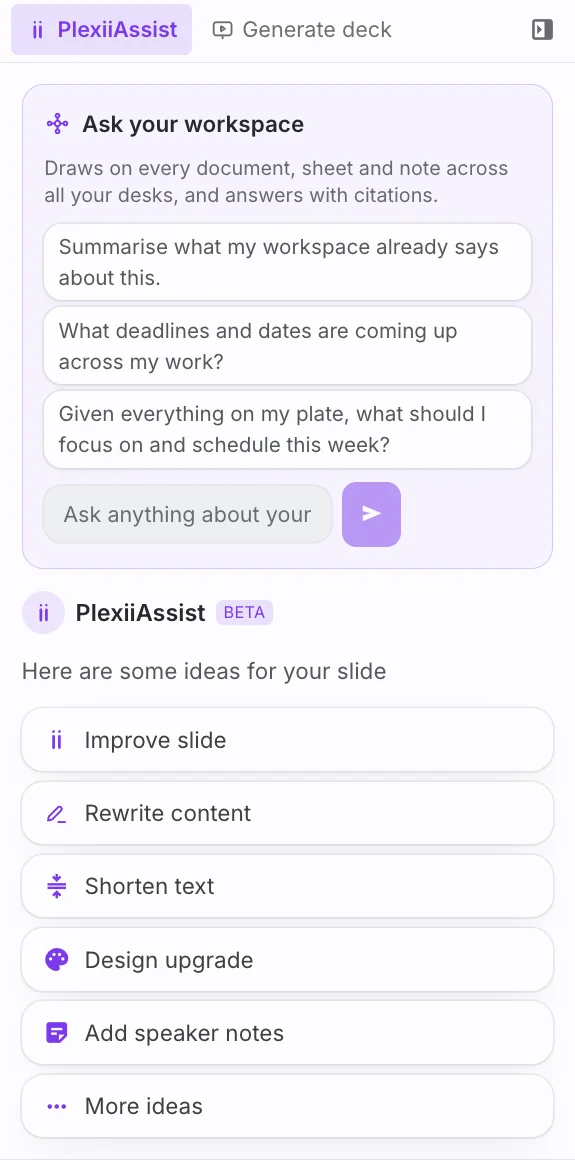
Focus
Every task that needs you, captured from anywhere, in one list.
Your tasksPlans and calendar
Milestones, timelines and a time-blocking calendar.
Planning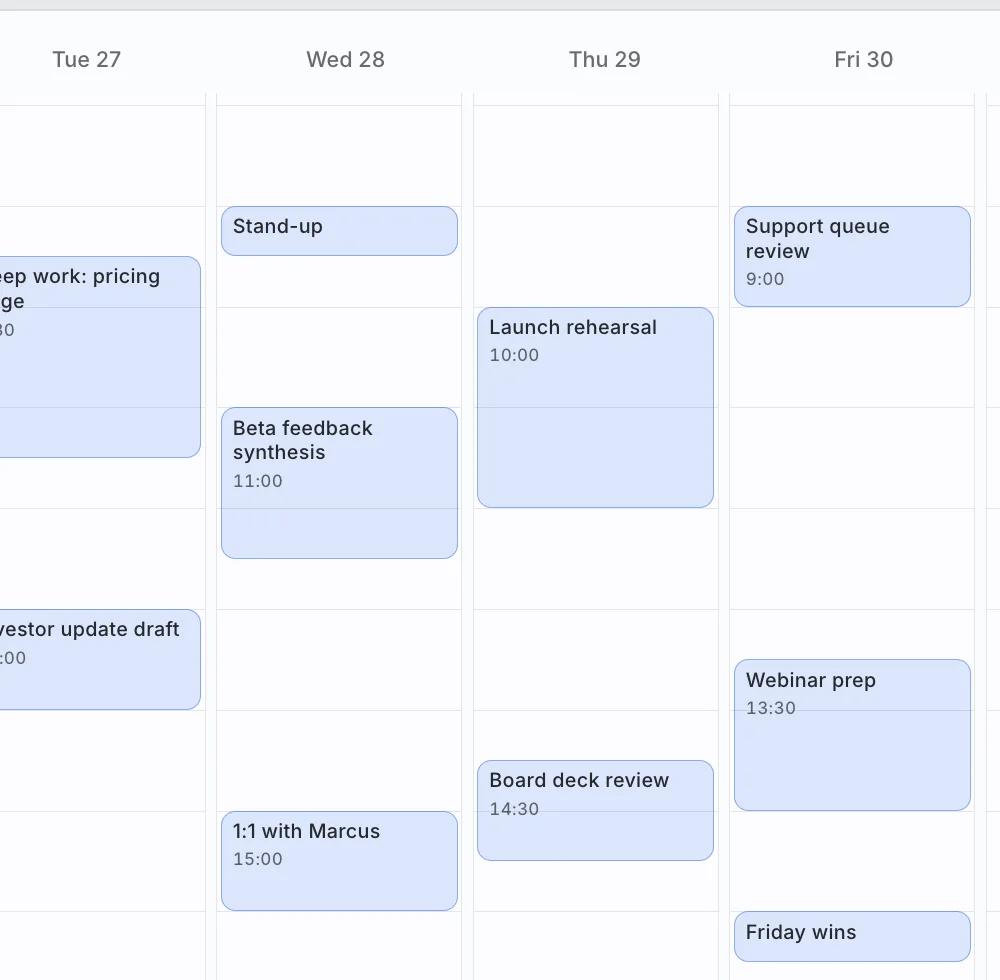
Meetings, chat and calls
Meet from any document, with transcripts filed for you.
CommunicationMail and signing
Your mailbox and e-signatures, next to the work.
Mail and PlexiiSignPeople and teams
A real-name directory and a live People Map.
PlexiiTeamApps and tools inside Plexii
 PlexiiWrite
 PlexiiCells
 PlexiiDeck
 PlexiiDiagrams
 PlexiiDesign
 PlexiiDraw
 PlexiiAssist
 PlexiiBrain
 Browser
 Mail
 Inbox
 Calendar
 PlexiiChat
 PlexiiCall
 PlexiiSign
 PlexiiVault
 Files
Built for your kind of work
See the desk you'd use.
Example desks from the app, set up for six kinds of work. Pick yours, then build it live in the demo with your own work on it.
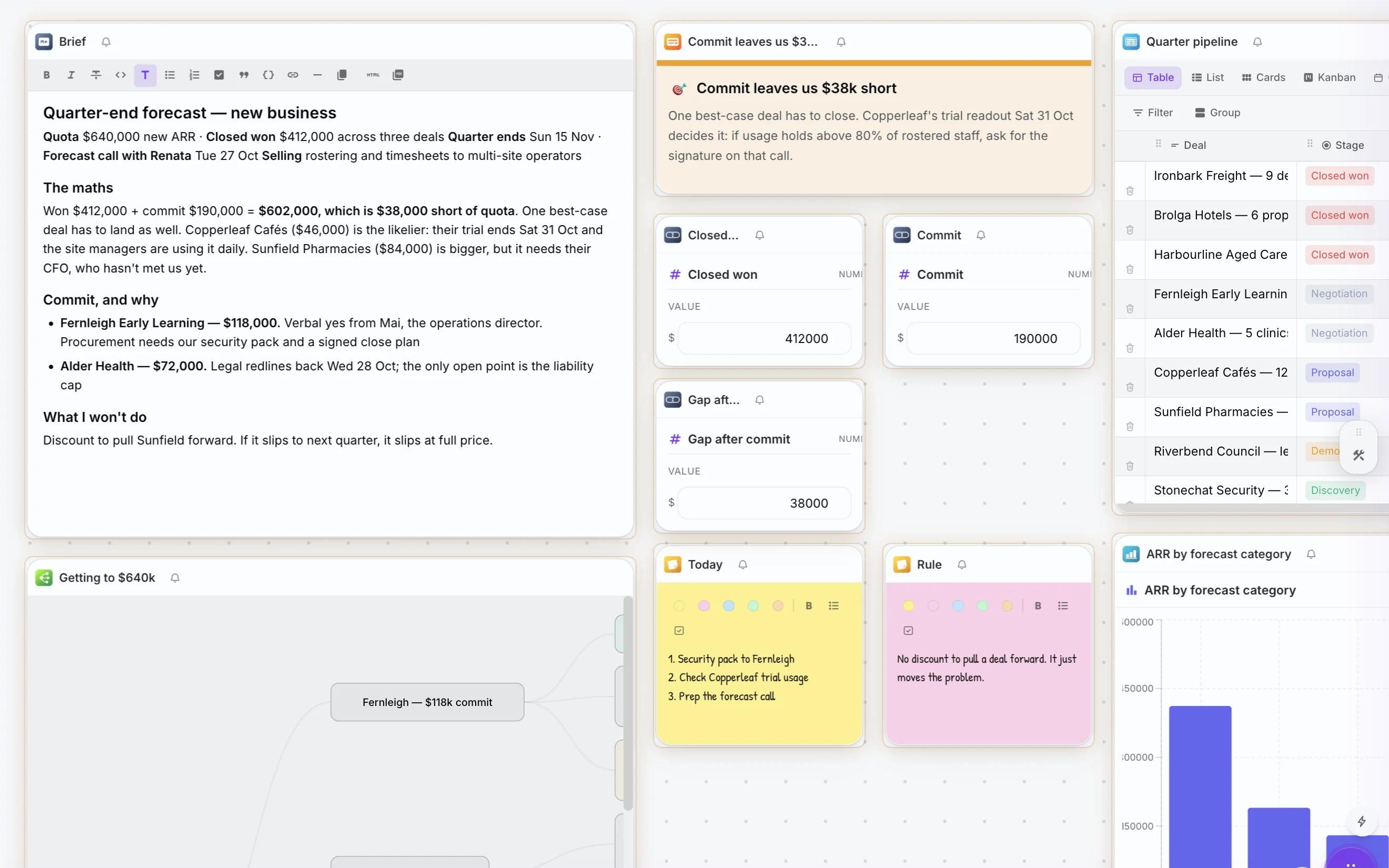
Not your role? Pick from 25 roles in the demo, or see every role, with videos.
Or browse 100 everyday work moments and how a desk handles each one.
Plexii assistant
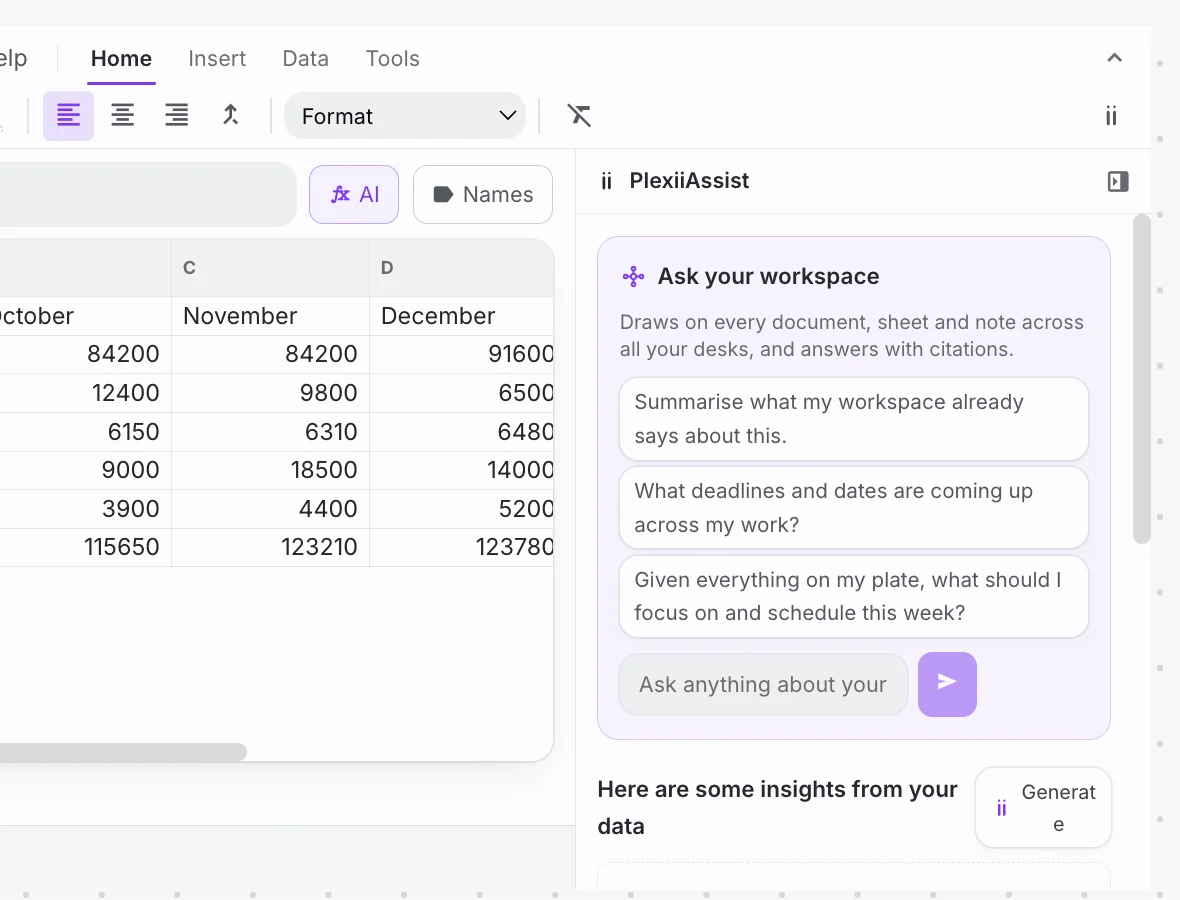
AI that knows your files and asks before it acts.
Plexii answers from your own local documents, sheets and notes, with a citation for every claim and a trace of what it read. When the answer implies a next step, it drafts it as a card. Nothing lands until you apply it. Read more about an AI assistant that shows its sources.
- Grounded in your work, not a blank chat window. When it can't find something, it says so.
- Review before anything changes. Apply cards one at a time or all at once.
- A Stop button that always works when Plexii does multi-step work for you.
Your work lives on your machine first.
Plexii is local-first and works offline. Your work syncs to your account while you are signed in, and the vault is sealed with a master password only you know.
- Bring your own Anthropic key and prompts go straight from your machine to Anthropic.
- Or let Plexii run it for you on the AI credits every plan includes each month, with your prompts never used for training.
- No third-party analytics. Usage data and crash reports are first-party and off unless you turn them on.
Sync is encrypted in transit but not end-to-end encrypted. Read the privacy details.
Four ways to get started.
Explore on your own, install it today, or let us show you around.
Simple plans.
Free is the whole workspace for one person, forever. Upgrade to share, collaborate and let Plexii do more.
Free for Mac
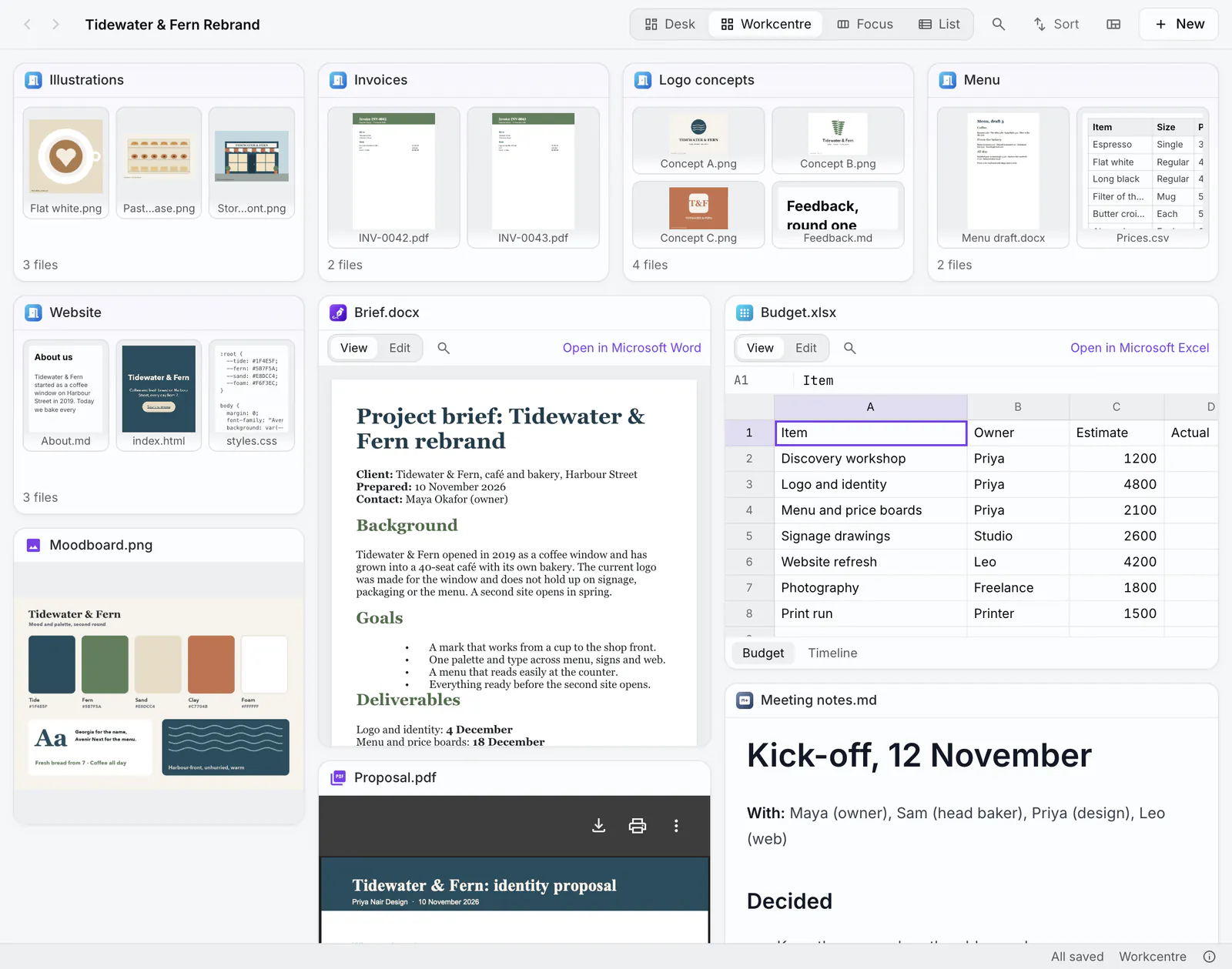
PlexiiLite: see inside your folders.
A visual file explorer from the makers of Plexii. Open a folder and it becomes a room: every file is a tile that shows what is in it, and every folder is a door you can see into.
- Desk, Workcentre, Focus and List: four ways to see a folder, and each one opens as you left it.
- Edit in place: Word, Excel, PowerPoint and CSV files, pictures and PDFs, right in their tiles.
- Your folders stay yours: a move undoes with ⌘Z, and layouts are never written into your folders.
PlexiiLite is a Mac app. Open this page on your Mac to download it.
From the blog.
A second brain app that answers with sources: what to look for
Want a second brain app that answers from your own notes? Look for a citation on each claim, a way to open the source, and a set-up you'll actually use.
Focus and follow-throughEat the frog at work: pick it, size it, and start
Pick the one task that would most change your week, size it so you can start in one sitting, and begin it before you open the rest of the list.
Work by taskHow to write a project brief (with a one-page example)
How to write a project brief on one page: ten headings, a filled-in example, how it differs from a statement of work, and a sign-off checklist.
Give your next task its own desk.
Common questions
What is Plexii?
Plexii is a Mac and Windows desktop app that gives every task its own desk: documents, sheets, slides, a live browser, notes and an assistant that knows your files, on one canvas.
Is Plexii a desktop app?
Yes. Plexii is a desktop app for Mac and Windows. You can also try a desk in the browser from this site before you download.
Is there a free plan?
Yes. Plexii is free forever for personal use. See pricing for what an account includes.
Where do I download it?
From Download Plexii. Installers are listed there for Mac (Apple Silicon and Intel) and Windows.