Marketing manager
Approved claims, next to every post
Days before launch, and you are not sure which claims legal approved.
How it feels: Fear of a mistakeWhat you want instead: Assured
The problem
The calendar is in a spreadsheet, the moodboard in a folder and the approved claims in a browser tab. Publishing the wrong line could be costly.
How Plexii handles it
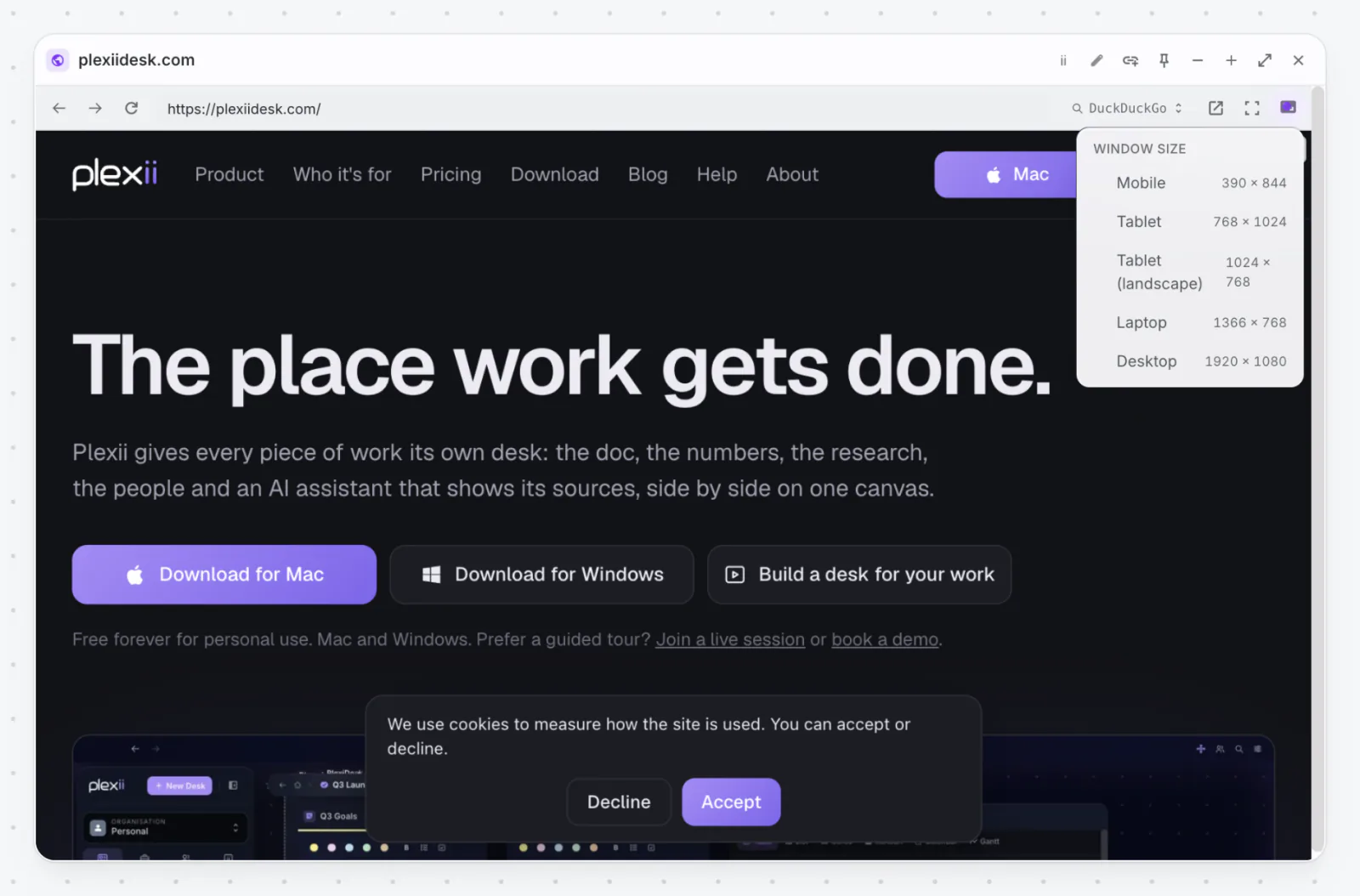
A launch desk with the content calendar Table as Calendar view, a Page of approved claims, and the claims rules kept open in a Browser widget that remembers its page.
In short: Keep what you are allowed to say on the same desk as what you are about to post. The calendar, the claims and the rules, side by side.
Step-by-step guides
More on how Plexii fits this work: Marketing and content teams.
More moments like this
- Content creator
Missed a week? Move it, don’t bin it
You missed posting for two weeks and the plan feels ruined.
- Graphic designer
The approved colours, on record
Round three, and the client says the colours don’t match what they approved.
- Small brand owner
On-brand flyers without the panic
You need a flyer by tomorrow and cannot afford a designer this week.