Plexii, The ADHD Focus App for Work
Plexii gives every piece of work its own desk, with everything it needs in view. Less switching, no lost context, no tab trauma and less hunting for the thing you just had, and a clear way back in when you return.
Free forever for personal use. Mac and Windows.
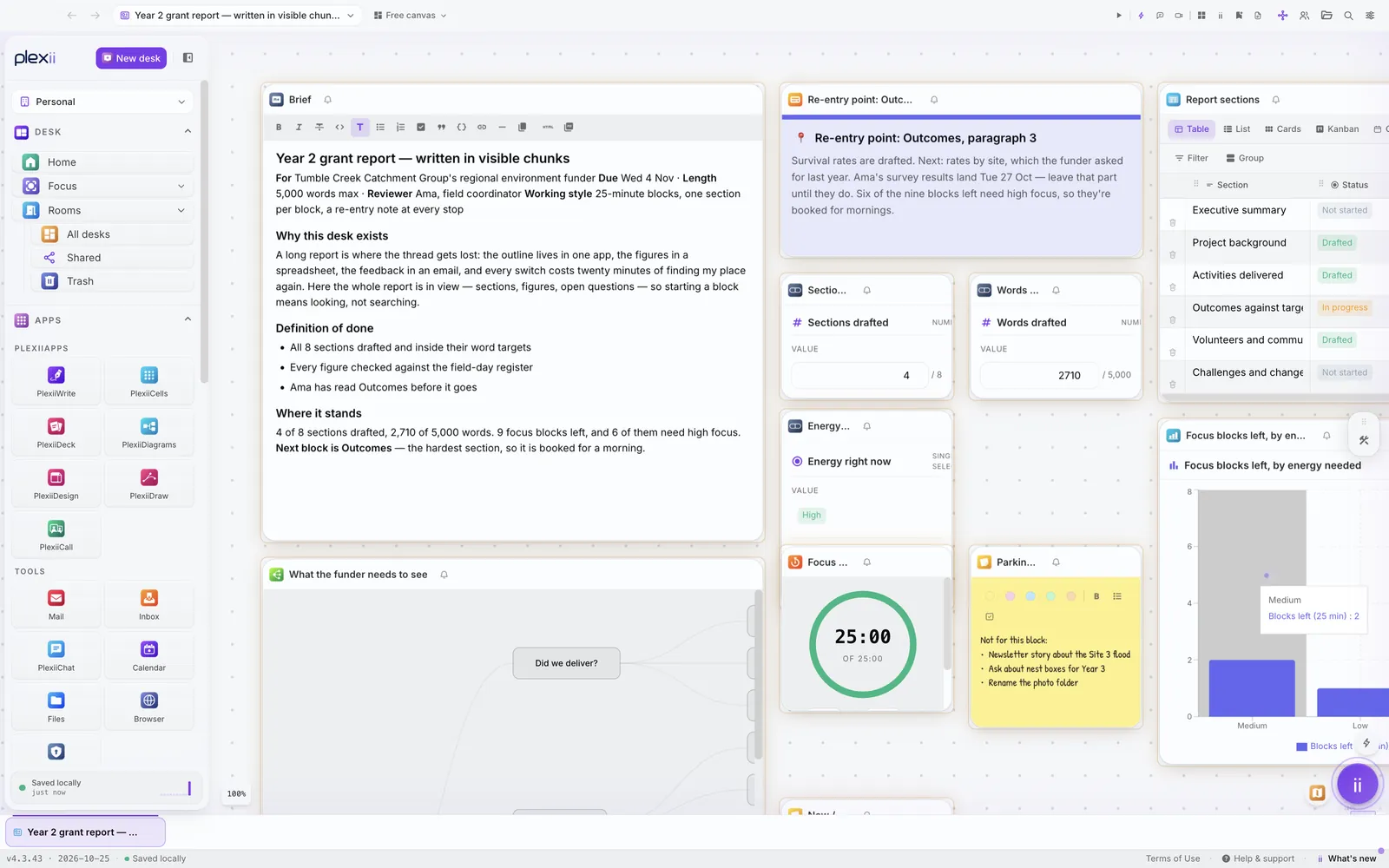
The tab you closed, the note in another app, the task you meant to come back to.
Hopping between apps means rebuilding the picture of the work each time you return.
The important tasks are often the hardest to begin, so they wait.
Built around how attention actually moves.
Every part of this is in Plexii today. Each one links to its guide.
- One task, one desk. The doc, the numbers, the websites and the notes for one piece of work sit side by side, in view. Close the desk and the clutter goes with it. Why one desk per task
- A way back in. Resume writes a short note on where a desk stands: its decisions, open questions and next three actions, kept with the desk for when you return. Write a handoff note with Resume
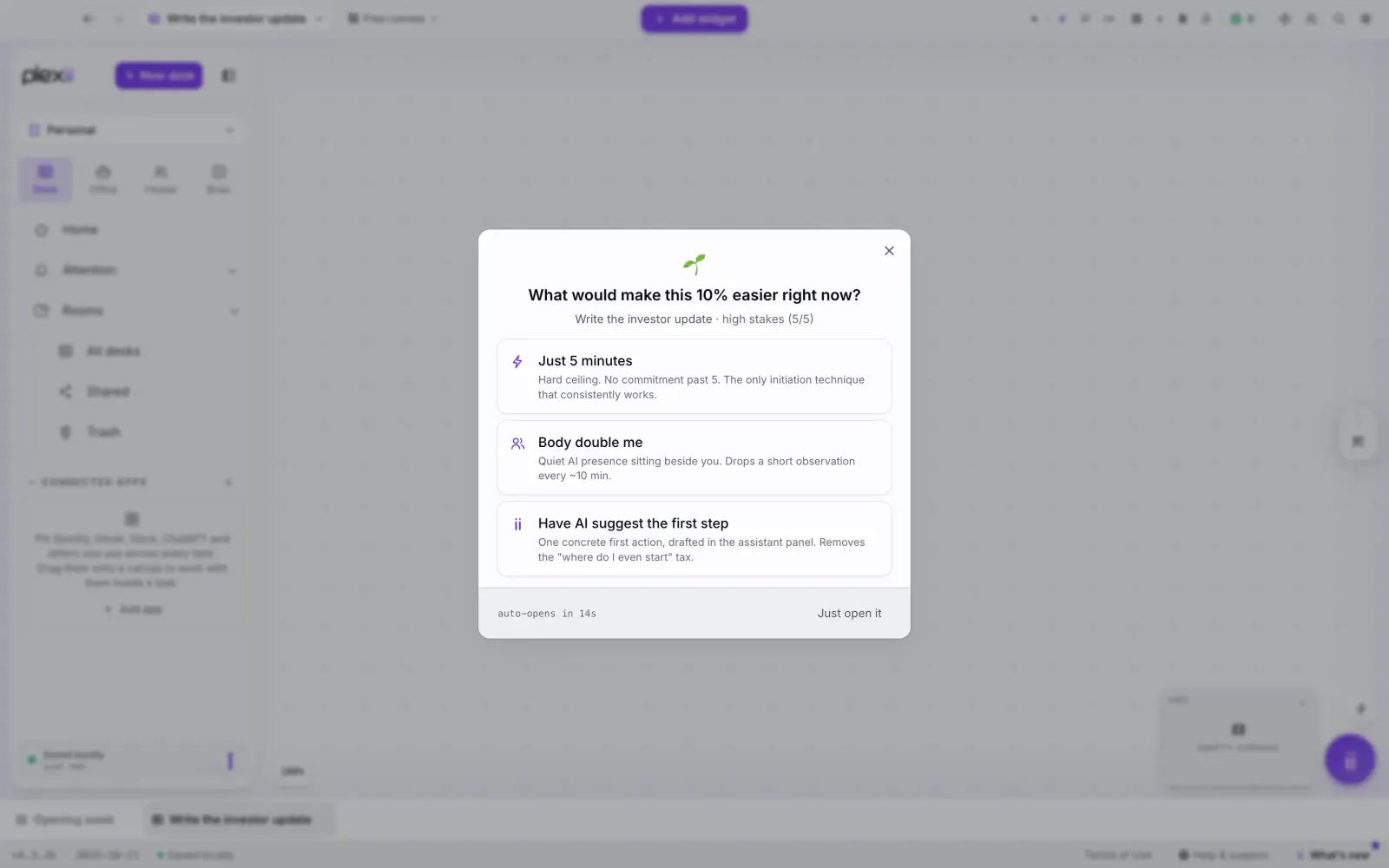
- A gentle start for hard tasks. Open an important desk you have not started and Plexii asks what would make it 10% easier, then offers a five-minute start. When a desk is hard to start
- Focus blocks you can see. Start a short focus session with its objective on screen, or put a Timer work widget on the desk, with beeps in the last minute and an alarm at zero. Start a focus session
- Capture it before it slips. Send a thought to Focus as a task with ⌘K or @focus, without leaving what you are doing. Capture a task into Focus
- One list of what needs you. Focus files every task by what it asks of you, such as review, decide or respond, with a Start here strip for what is most pressing. Focus: every task that needs you
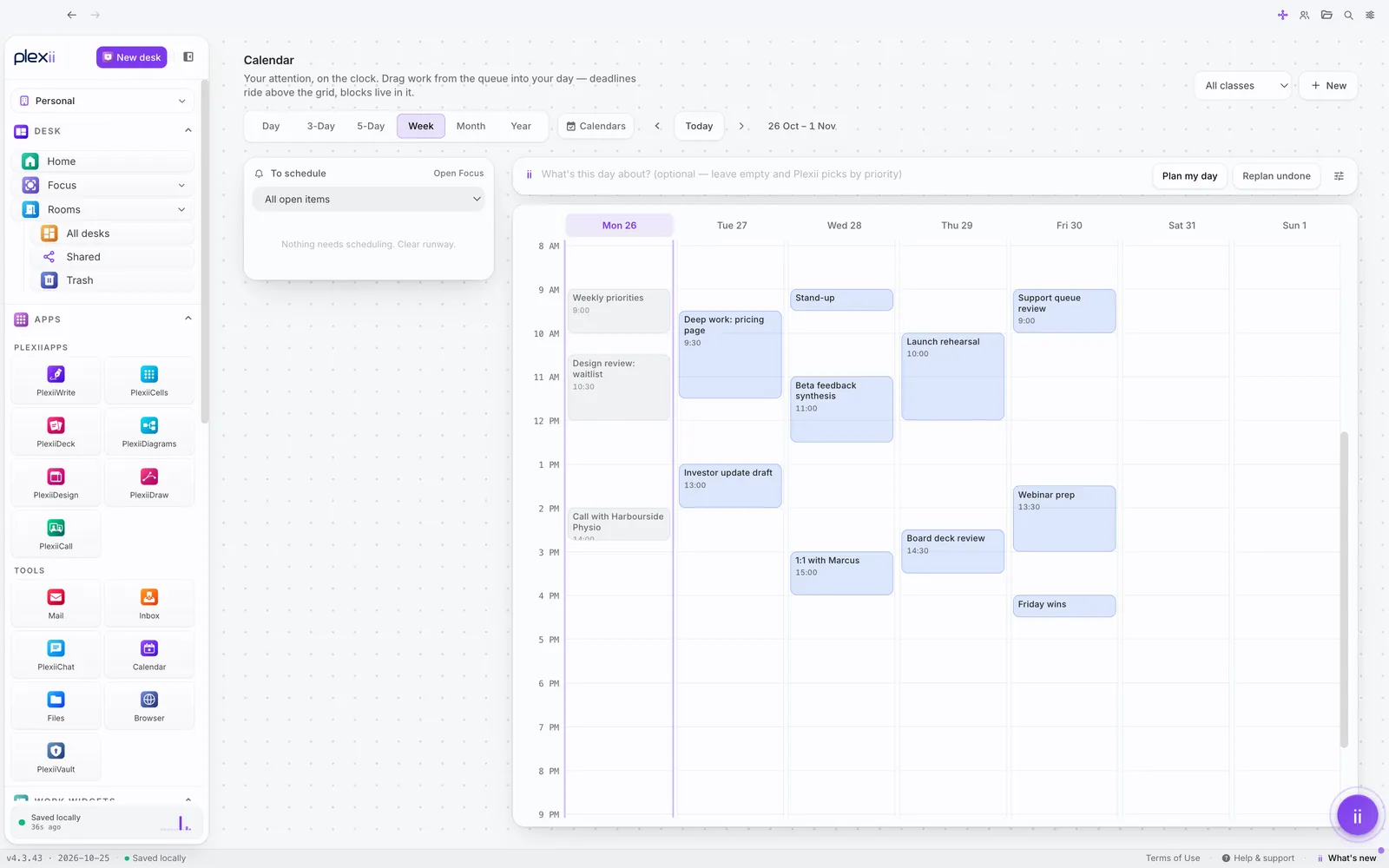
- Time on the clock. Drag a task onto today to book half an hour for it, or let Plan my day lay the day out for you to review. Book time for a task
- Work alongside someone. Body doubling pairs you with another member who is also working, on camera, in the mode you choose, from silent to happy to talk. On the Pro and Team plans. Body doubling: work alongside someone
Hard to start? Start with five minutes.
When you open a high-stakes desk you have not started, Plexii puts one question in front of it: what would make this 10% easier right now? Choose Just 5 minutes and a five-minute focus session starts on that desk. When the time is up, stop there or keep going.
If you would rather just get going, the card steps aside on its own after 15 seconds. Can't get started? Try a five-minute start
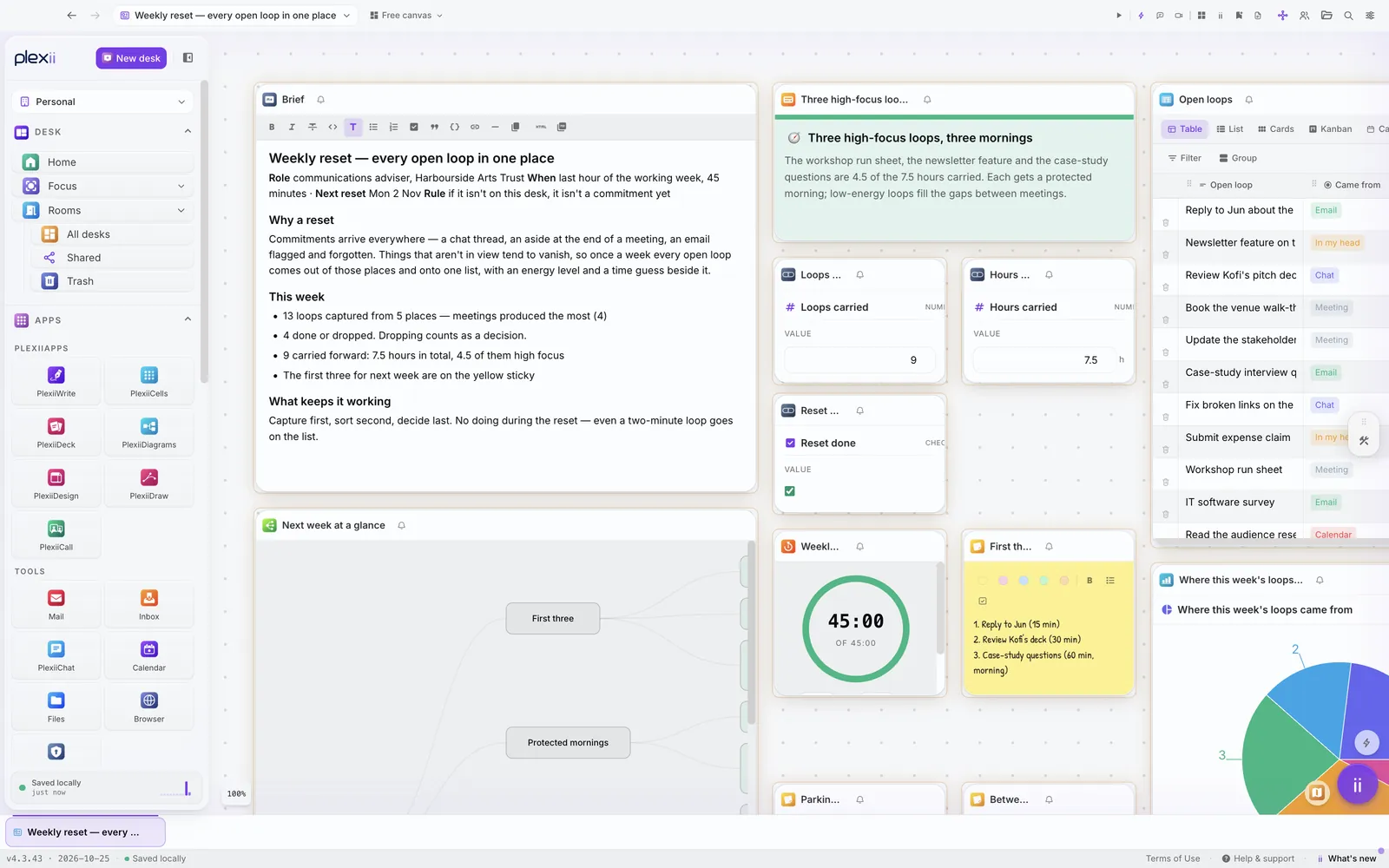
Every open loop in one place.
Commitments arrive everywhere: a chat thread, an aside in a meeting, an email you flagged and forgot. A weekly reset desk gathers them, counts them and picks the first three for next week, with a timer that keeps the reset itself short.
Put the work on the clock.
A task with time booked for it is a task that happens. Drag work from your Focus queue into the day, or let Plan my day lay it out from your open work, then review every block before you accept it.
Read more.
- Body doubling: what it is and how to try it
- How to pick up where you left off: write a re-entry note
- Too many tabs open? A calmer way to keep your research
- Context switching explained: from CPU to brain
Plexii is a work tool, not a treatment for ADHD, and it does not replace advice from a clinician.